BRM5 Interactive Map
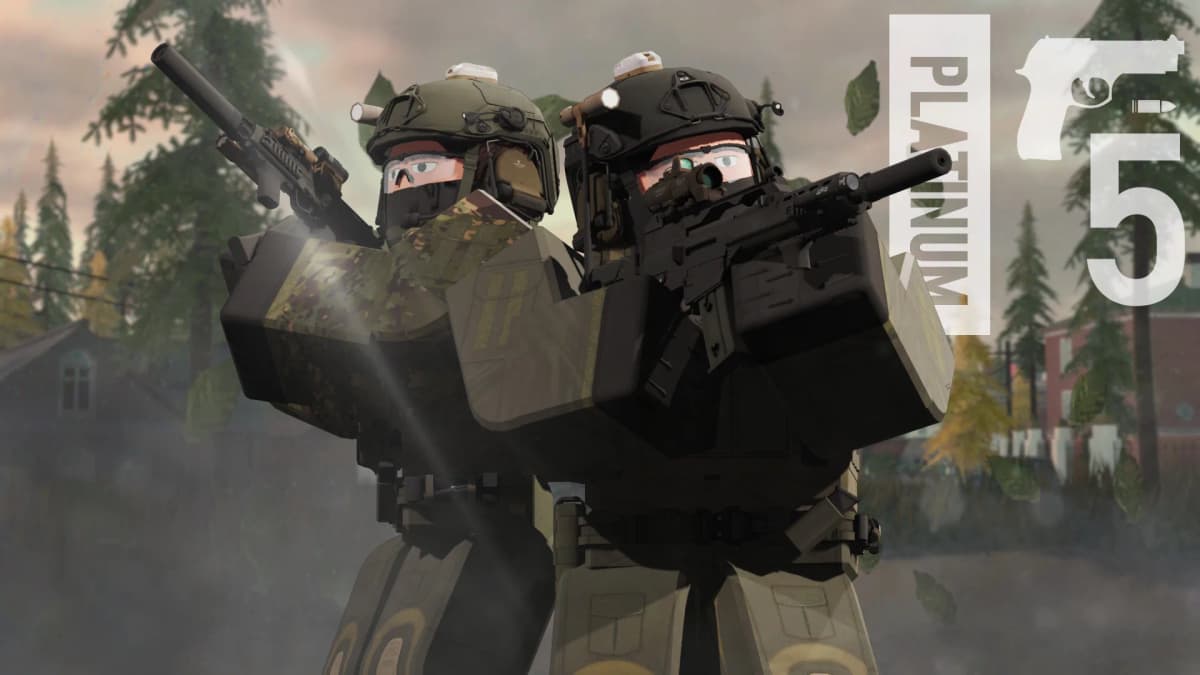
BRMap5 is a community-driven interactive map built for the zombie survival gamemode in Blackhawk Rescue Mission 5 on Roblox. I single-handedly redrew the entire zombies map from scratch in Figma, creating a clean and accurate representation of the game world. The app provides players with a detailed, pannable, zoomable, and rotatable version of that map, packed with 90+ documented locations complete with images, descriptions, and markdown-formatted guides. It features fuzzy search powered by Fuse.js, category-based filtering, a draggable compass, image lightbox, visitor counter, and community-contributed background art that changes each session.
The Challenge
Create a performant, fully interactive map experience that lets BRM5 players quickly find and learn about in-game locations. The map needed smooth pan, zoom and rotation with dozens of pins visible at once, each linking to rich location detail pages with image galleries. Performance had to stay solid on lower-end devices commonly used by the Roblox audience.
The Solution
Built a React 19 + TypeScript single-page app served by Vite. Implemented a custom canvas-style transform system for smooth pan, zoom, and rotation around the viewport center. Used Fuse.js for instant fuzzy search across all locations. Each location features markdown-rendered descriptions and a multi-image gallery with a full-screen lightbox. A collapsible sidebar, togglable compass, and category filtering keep the UI clean while offering powerful navigation. A Vercel KV-backed visitor counter tracks community engagement.
Tech Stack
Key Metrics
Details
- Category
- web
- Year
- 2025
- Status
- completed
- Role
- Full-Stack Developer
Key Features
Pan, Zoom & Rotate
Fully interactive map with mouse-driven pan, scroll-wheel zoom, and right-click rotation that pivots around the viewport center.
Fuzzy Search
Instant location search powered by Fuse.js, matching names, descriptions, and categories with typo tolerance.
Category Filtering
Filter 13 location types — buildings, shops, zombie nests, extraction points, and more — to find exactly what you need.
Rich Location Details
Every pin opens a modal with markdown descriptions, multi-image galleries, and a full-screen lightbox with zoom.
Draggable Compass
An interactive compass that shows true north, supports click-drag rotation, and scales responsively.
Community Backgrounds
16 community-contributed background artworks that rotate randomly, with artist credits displayed in the sidebar.
Project Gallery
Technical Details
Implementation
Built with React 19 and TypeScript on Vite for fast dev and optimized builds. The map uses a custom transform system calculating pan, zoom, and rotation through matrix math to keep interactions smooth. Fuse.js powers fuzzy search with configurable thresholds. Location data is stored as a JSON dataset with markdown-formatted descriptions rendered via react-markdown and remark-gfm. The image lightbox supports up to 5x zoom with mouse-driven panning. A Vercel KV store tracks unique visitor counts via a serverless API route. Community background art is randomly selected on load with artist credits.
Lessons Learned
This project deepened my understanding of coordinate space transformations — handling pan, zoom, and rotation simultaneously required careful matrix math to keep pointer interactions accurate when the map is rotated. I also learned how to structure a data-heavy React app for performance, keeping re-renders minimal despite dozens of visible map pins. Working with the BRM5 community taught me the value of building tools people actually use and iterating based on real feedback.
Design Handbook
Color Palette
Typography
Rajdhani
Weight: 400-700Inter
Weight: 400-600Design Principles
Military-tactical aesthetic with dark backgrounds and gold accents
Information density balanced with clean spatial hierarchy
Performance-first rendering for smooth map interaction at 60fps
Responsive design adapting sidebar and controls for mobile viewports
Other Projects
Diploma Uitreiking 2026
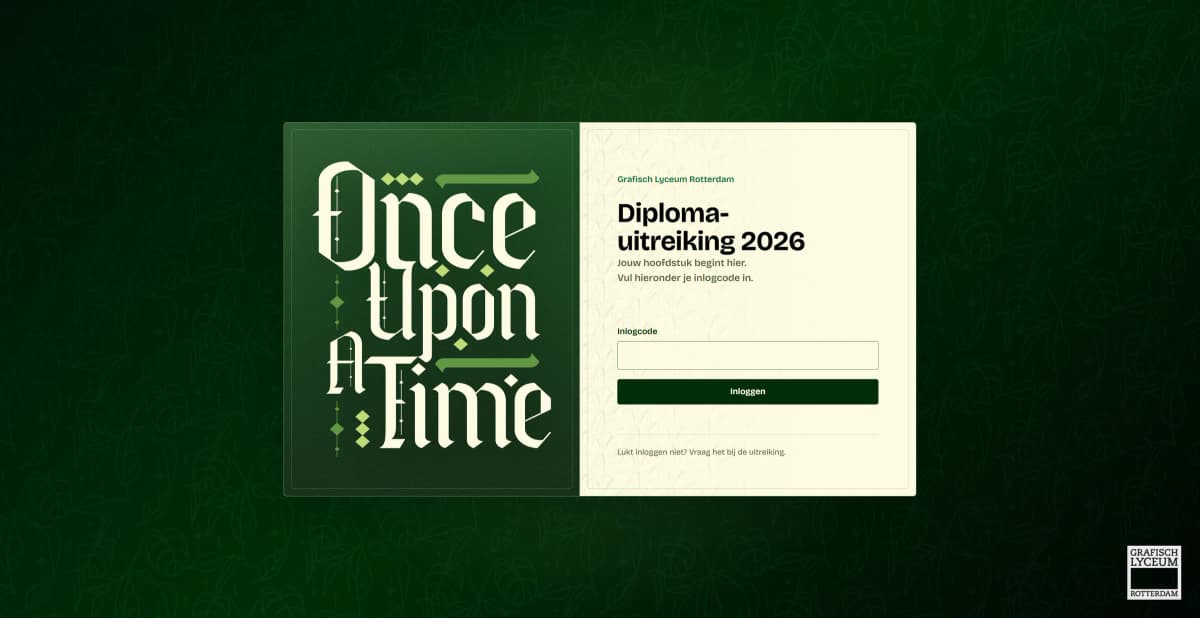
The live graduation-ceremony platform for my school, where families enter the code on their invitation to watch the livestream, built in dependency-free PHP with hand-written passkey login and intrusion detection.
Subli Studio
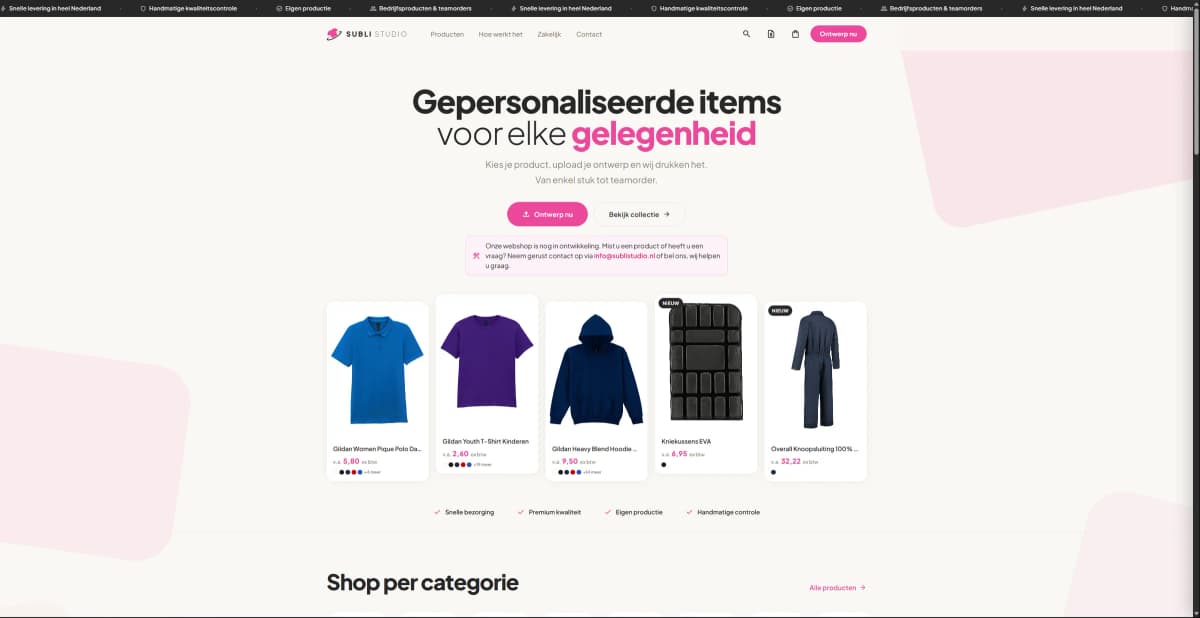
A full-stack custom clothing print shop where customers configure a garment, pick print locations, upload their own design, and pay online, with a complete admin back office behind it.

MultyLeak
A free data breach checker that lets users instantly find out if their email or password has been exposed in known data leaks, powered by the HIBP API.